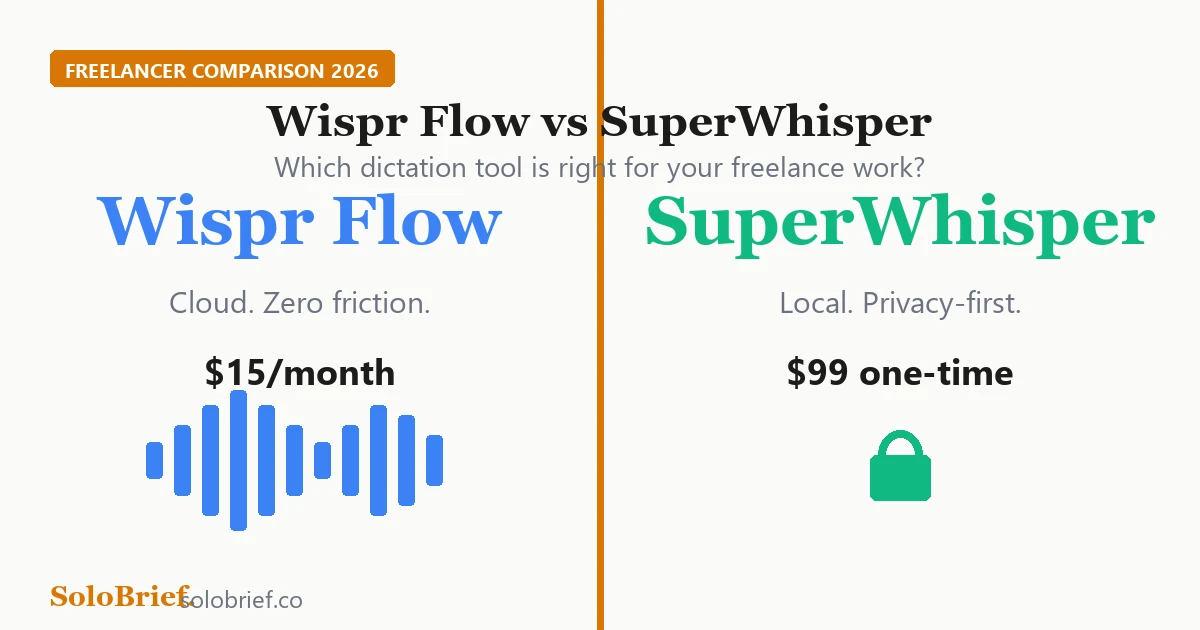
Wispr Flow vs SuperWhisper comparison for freelancers 2026

Wispr Flow vs SuperWhisper 2026: Which Voice Dictation App Should Freelancers Use?

This article contains affiliate links. If you buy through our links, we may earn a commission at no extra cost to you. We only recommend tools we’ve researched thoroughly. If you spend more than an hour a day writing client emails, drafting proposals, or responding to messages, voice dictation can realistically save you 20 to 30 minutes a day. On a 250-day work year, that adds up to around 80 hours back. The question is which Mac dictation app actually delivers on that promise. ...

May 24, 2026 · 11 min · G Mohan Jayanth
Motion AI review for freelancers 2026, AI scheduling tool worth $29 per month

Motion AI Review for Freelancers 2026: Worth $29/Month?

Quick VerdictRating3.9/5Price$19/month (annual) or $34/monthBest forMulti-client freelancers managing 3+ concurrent projects with shifting deadlinesSkip ifSingle-client or predictable workflows: try Reclaim.ai free tier first Four active clients. Overlapping deadlines. A calendar full of check-in calls that keep moving. And every Monday morning, the same question: what do I actually work on today? ...

May 20, 2026 · 10 min · G Mohan Jayanth
Wispr Flow review for freelance writers 2026, AI dictation tool on Mac

Wispr Flow Review for Freelance Writers 2026: Worth $15/Month?

Quick VerdictRating4.0/5Price$15/month ($144/year)Best forMac-using freelancers who write 2+ hours of client emails and overhead communication per weekSkip ifWindows users, long-form creative writers, or anyone working with strict NDA-covered client contentStart Wispr Flow free trial → Think about how much time you spend writing things that aren’t really “writing”, client emails, Slack updates, quick content outlines, proposal summaries. For most freelance writers, that overhead is 45 minutes to an hour a day. It’s the work around the work. ...

May 20, 2026 · 10 min · G Mohan Jayanth