This article contains affiliate links. If you buy through our links, we may earn a commission at no extra cost to you. We only recommend services we’ve researched thoroughly.
Hostinger Premium is the best starting point for most freelancers: under $3/month promo, free domain, LiteSpeed servers, one-click WordPress. SiteGround if performance and support are the priority. Cloudflare Pages if you build static sites. Skip free shared hosting entirely.
| Best for | Freelancers launching a first portfolio site on a budget |
| Skip if | You need WooCommerce at scale, server control, or developer-grade infrastructure |
| See current Hostinger deal → | |
Most freelancers are overpaying for hosting they don’t need.
A portfolio site, your work, your services, a contact form, doesn’t need enterprise infrastructure. It needs to load fast, stay up, and not embarrass you when a client clicks the link. That’s it.
The mistake is common: picking a host based on a flashy homepage and ending up paying $20+/month for unlimited bandwidth you’ll never use on a site that gets 300 visitors a month.
Here’s what actually matters, and which hosts deliver it.
Quick Verdict: Best Web Hosting for Freelancers 2026
| Host | Price/Month | Best For | Free Domain | Our Rating |
|---|---|---|---|---|
| Hostinger | From ~$2 (promo) | Budget portfolio sites, India market | Yes (annual) | ⭐⭐⭐⭐ 4.1/5 |
| SiteGround | From $2.99 (intro) | Performance-first sites, client-facing demos | No | ⭐⭐⭐⭐ 4.3/5 |
| Cloudflare Pages | Free | Static sites, developer freelancers | With your domain | ⭐⭐⭐⭐ 4.0/5 |
| GitHub Pages | Free | Developer portfolio, tech freelancers | No | ⭐⭐⭐ 3.8/5 |
| Bluehost | From $2.95 (intro) | WordPress beginners | Yes (first year) | ⭐⭐⭐ 3.5/5 |
Bottom line: Most freelancers launching a first portfolio site should start with Hostinger. Under $3/month at current promo pricing covers everything you need. See current Hostinger deal →
What Freelancers Actually Need from Web Hosting
Skip the comparison charts that list “unlimited bandwidth” and “100 email accounts” as selling points. You don’t need either.
Here’s what a freelance portfolio actually requires:
Uptime. Your site should be up when a potential client clicks your link at 9pm on a Sunday. 99.9% uptime means roughly 8 hours of downtime per year, acceptable. Anything below 99.5% is a problem.
Fast load times. Google penalises slow sites. More importantly, clients don’t wait. Under 700ms load time for a portfolio page is the target. Anything over 2 seconds costs you visitors.
Email forwarding. You want [email protected] to forward to your Gmail. Most budget hosts include this. This is different from full hosted email, you don’t need that.
WordPress support. If you want CMS flexibility, you need PHP hosting. If you’re comfortable with static sites, you don’t.
Simple setup. Your time is worth money. A hosting panel that requires 3 hours to figure out is a $150+ cost at a freelance rate.
That’s the full list. Everything else is a host upselling features at your expense.
#1 Hostinger: Best Budget Hosting for Freelancers
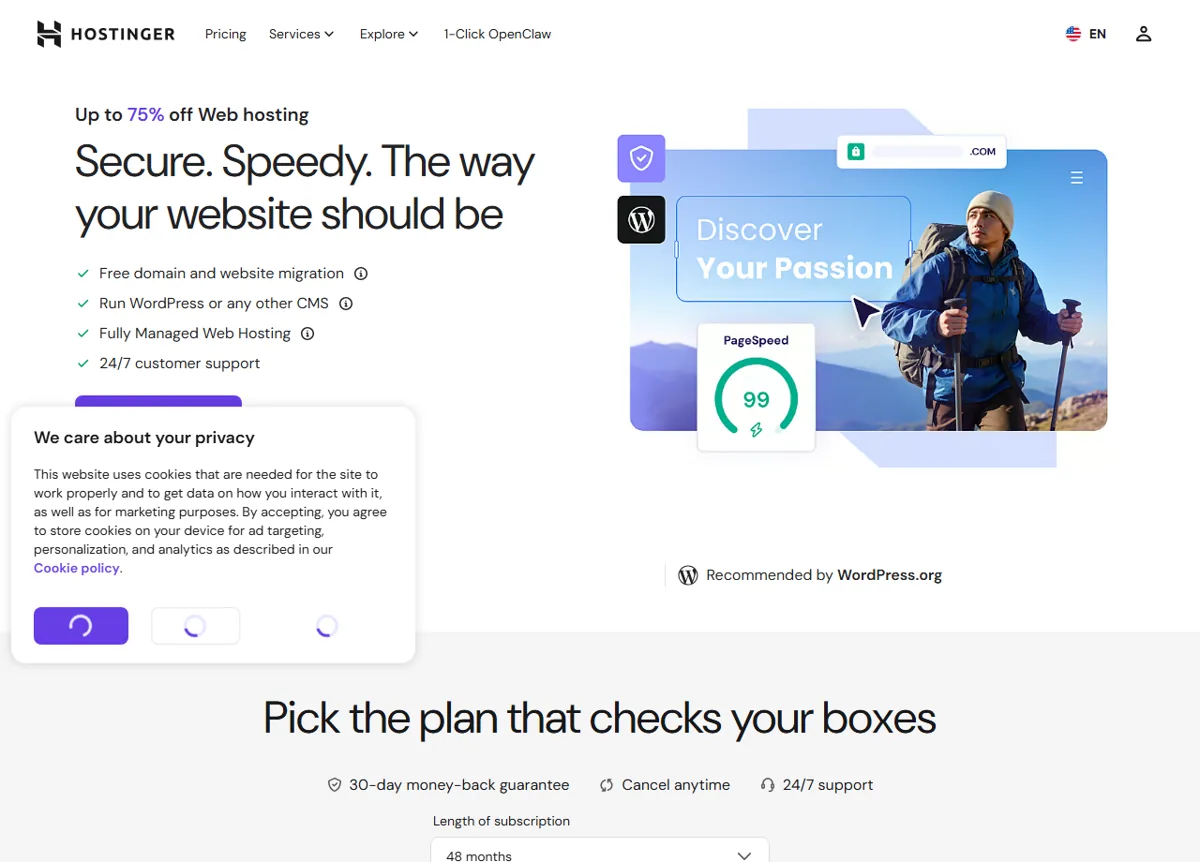 Hostinger’s plans. Public pricing page, June 2026.
Price: From ~₹69/month (Single) to ~₹249/month (Business) promo, India market; Premium ~₹149/month, renews higher
Free domain: Yes, on annual plans
Best for: Freelancers launching a first portfolio site, India market, budget-conscious solopreneurs
Hostinger’s Premium plan covers everything a freelance portfolio needs: 100GB SSD storage, a free domain for the first year, free SSL, LiteSpeed web server (faster than Apache-based budget hosts), and WordPress one-click install. Load times in published third-party tests run 400–700ms for basic sites, well within acceptable range.
The setup is faster than most in the budget category. WordPress installs from hPanel in one click. Themes like Astra or Kadence are free and portfolio-ready. Most freelancers have a working site within 3 hours of signing up.
The honest trade-off: Renewal pricing is the catch with Hostinger, just as it is with every major host. The Premium plan renews at roughly ₹449/month, about 3x the promo rate. This isn’t a scam; it’s the business model of every shared host. The practical fix is locking in the longest term you’re comfortable with at promo pricing. A 48-month Premium plan at promo rates runs right around ₹149/month over that period.
Support is adequate for straightforward questions and inconsistent for complex ones. The knowledge base covers most portfolio-setup scenarios. If you anticipate needing frequent technical support, SiteGround has a meaningfully better track record.
For the India market specifically, hostinger.com/in has dedicated pricing that makes it one of the strongest value options available right now.
What We Liked
- LiteSpeed servers: faster than most budget hosts at this price
- Free domain included on annual plans
- One-click WordPress install, hPanel is straightforward
- India-specific pricing at hostinger.com/in
Worth Knowing
- Renewal price is 3 to 4x the promo rate: factor this in upfront
- Support quality varies: good for basic issues, inconsistent for complex ones
- Single plan limited to one website
Get the current Hostinger deal →
#2 SiteGround: Best for Portfolio Performance
 SiteGround’s site. Public marketing page, June 2026.
Price: From $2.99/month intro; renews at $17.99–$29.99/month
Free domain: No
Best for: Freelancers whose site performance is a client-facing concern; anyone who needs reliable technical support
SiteGround consistently leads third-party speed and reliability benchmarks at the budget end of managed WordPress hosting. Their load times are measurably faster than Hostinger at equivalent plan levels, their uptime track record is excellent, and their support quality is consistently rated above average across Trustpilot, G2, and independent reviews.
The reason it’s #2 rather than #1 is one word: renewal pricing. The introductory rates are competitive, but the $17.99–$29.99/month renewal prices are genuinely steep for what’s still a portfolio site. If you’re billing premium clients and your website is part of the pitch, SiteGround’s speed and support track record justify the cost. If you’re a freelancer whose site is functional rather than essential, Hostinger’s value is better.
No free domain is also worth noting, budget ₹1,000–₹1,500/year to buy your domain separately.
What We Liked
- Consistently leads speed and reliability benchmarks at the budget tier
- Support quality rated above average across G2 and Trustpilot
- Excellent uptime track record
Worth Knowing
- Renewal pricing ($17.99 to $29.99/month) is expensive for a simple portfolio
- No free domain included
- Introductory rate requires a multi-year commitment for best pricing
#3 Free Options: Cloudflare Pages and GitHub Pages
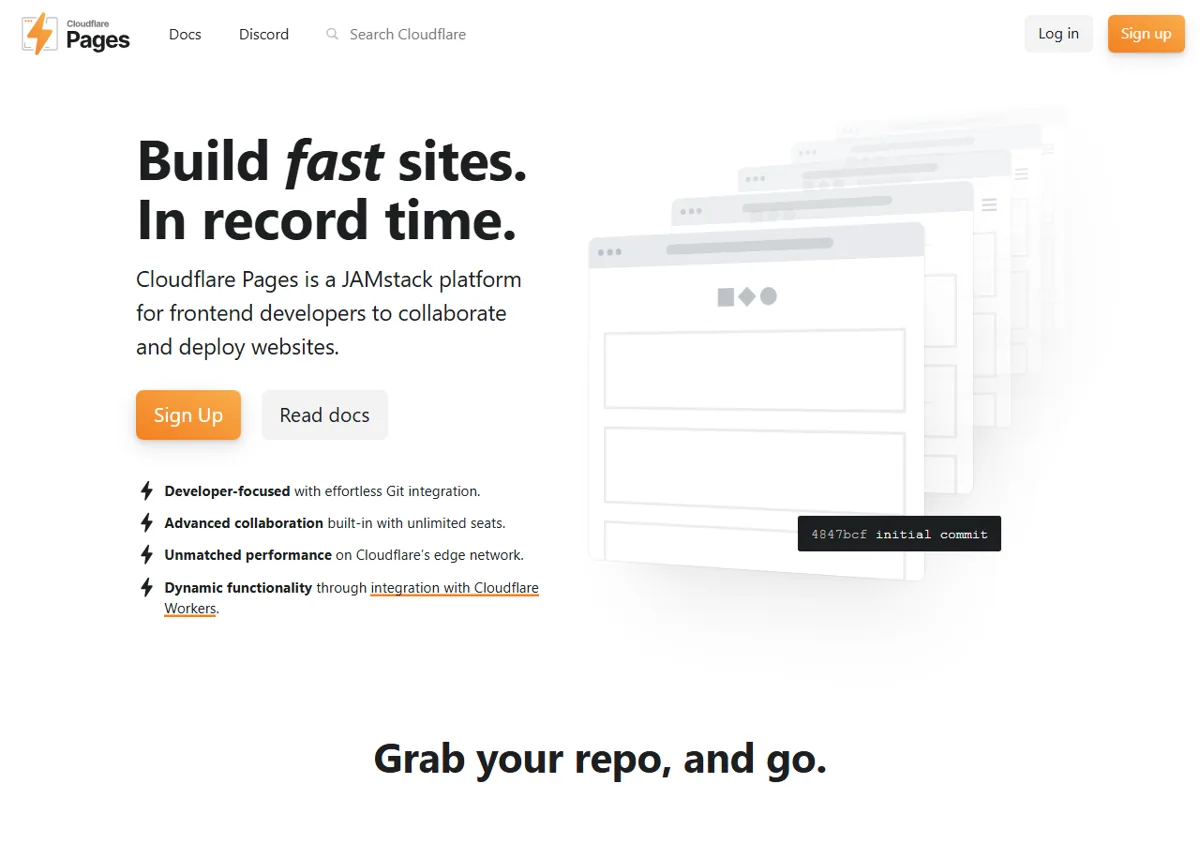 Cloudflare Pages: free static hosting for developers. Public marketing page, June 2026.
Both are legitimate choices for developers and tech-savvy freelancers. Neither is right for freelancers who want a WordPress site or who don’t want to touch a command line.
Cloudflare Pages
Free. Global CDN. Deploys from a GitHub repository. If you’re building a static portfolio with Hugo (like this site) or a JavaScript framework like Astro or Next.js, Cloudflare Pages is genuinely excellent. Build times are fast, deploys are automatic on push, and performance is as good as any paid host at a fraction of the complexity cost.
The limitation: no WordPress. If your portfolio runs on WordPress, this isn’t your option.
GitHub Pages
Also free. If you already use GitHub and you’re comfortable with markdown or a static site generator, GitHub Pages is a zero-friction way to publish a technical portfolio. Custom domain support requires a DNS record pointing to GitHub’s servers, a 10-minute task if you’ve done it before.
The limitation: static sites only, no server-side processing. Developers find this fine. Non-developers find this confusing.
Full Hosting Comparison: All 5 Options
| Hostinger Premium | SiteGround Starter | Cloudflare Pages | GitHub Pages | Bluehost Basic | |
|---|---|---|---|---|---|
| Promo price | ~₹149/mo | $2.99/mo | Free | Free | $2.95/mo |
| Renewal price | ~₹449/mo | $17.99/mo | Free | Free | $10.99/mo |
| Storage | 100GB SSD | 10GB SSD | Unlimited (static) | 1GB | 10GB SSD |
| Free domain | Yes (annual) | No | No | No | Yes (first year) |
| Free SSL | Yes | Yes | Yes | Yes | Yes |
| WordPress | Yes | Yes | No | No | Yes |
| Speed tier | Good (LiteSpeed) | Excellent | Excellent (CDN) | Good | Average |
| Support | Inconsistent | Strong | Community | Community | Average |
| Email forwarding | Yes | Yes | Via Cloudflare | No | Yes |
| Best for | Budget portfolio | Premium portfolio | Dev static site | Dev portfolio | WordPress beginner |
What About Free Hosting Services? (The Honest Answer)
Free shared hosting services, InfinityFree, 000webhost, AwardSpace, exist, and they’re not appropriate for a client-facing freelance portfolio.
The problems are real: unpredictable uptime, forced ads on some services, slow load times, no email forwarding, and support that ranges from minimal to nonexistent. When a potential client clicks your portfolio link and gets a slow-loading page with a “hosted for free by [service]” banner, that’s the impression you leave.
For developers who want free hosting, Cloudflare Pages and GitHub Pages are the right answer, they’re genuinely good, just static-site-only. For everyone else, the $2–3/month entry price for Hostinger is the minimum worth paying.
How to Set Up Your Freelance Portfolio Site in Under 3 Hours
If you go with Hostinger, here’s the actual flow:
Step 1, Sign up and choose your plan
Premium is the right tier for most freelancers. Single is too limited (one site, reduced resources). Business adds cost without meaningful benefit for a portfolio.
Step 2, Register or connect your domain
If you’re taking the free domain, register it during signup. If you already own a domain, point your DNS records to Hostinger’s nameservers, instructions are in hPanel.
Step 3, Install WordPress
hPanel → Websites → Install WordPress. Takes under 2 minutes.
Step 4, Install a fast theme
Astra, GeneratePress, or Kadence, all free, all fast, all portfolio-ready. Avoid themes with 50 features you’ll never use.
Step 5, Add your pages
Home, About, Services, Portfolio/Work, Contact. That’s the full structure for a freelance site. Don’t overthink it.
Step 6, Connect your domain and SSL
Both are handled in hPanel. SSL takes up to 24 hours to propagate. DNS changes can take up to 48 hours if your domain is with a third-party registrar.
Step 7, Install an SEO plugin
WordPress does not optimise itself for search. Once your pages are live, add an SEO plugin so Google reads your titles, descriptions, and structured data correctly. Rank Math is the one we recommend for freelancers, and we put it through a full review after six months on a client site. Its free tier covers meta titles and descriptions, XML sitemaps, and schema markup, which is everything a portfolio site needs to get indexed properly. If you later add a blog to attract inbound clients, the paid tier’s Content AI assists with on-page optimisation. Yoast SEO is the main alternative and works fine; Rank Math’s free version simply includes more out of the box. Setup takes about five minutes. Set up Rank Math →
Three hours is realistic for this setup including theme customisation. Some freelancers do it faster.
Hostinger full setup tutorial for beginners (Ferdy Korpershoek)
The Bottom Line
For most freelancers, especially those just launching, Hostinger under $3/month is the right call. It covers everything a portfolio needs, the setup is fast, and the India market pricing at hostinger.com/in makes it particularly strong value.
If you’re billing premium clients and your site is part of the sales process, SiteGround’s performance and support justify the higher renewal cost. If you’re a developer comfortable with static sites, Cloudflare Pages is free and excellent.
For a comparison of how Hostinger performs in a real review against a specific use case, see our Hostinger Review for Freelancers 2026.
Get the current Hostinger deal (hostinger.com/in) →
Frequently asked questions
What is the best web hosting for freelancers in 2026?
Is free hosting good enough for a freelance portfolio?
How much should I spend on hosting for a freelance website?
Which web hosting is best for freelancers in India?
Pricing accurate as of June 2026. Promotional rates apply to initial term only, always check renewal pricing before committing to a long term.