This article contains affiliate links. If you buy through our links, we may earn a commission at no extra cost to you. We only recommend tools we’ve researched thoroughly.
TL;DR
- Wispr Flow is better if you want frictionless, instant dictation that works in every app with zero setup. $15/month, with a free plan.
- SuperWhisper is better if you handle confidential client work. It processes audio on your machine, works offline, and costs $12/month or $99 one-time.
- Wispr Flow is more accurate on short-form; SuperWhisper’s Ultra mode wins on long-form.
- Both now run on Mac and Windows. Wispr Flow also covers iPhone and Android, SuperWhisper covers iOS.
Think about the last project kickoff that took a week. Not because the work was hard, but because every step of it was a message you had to stop and type: the scoping reply on Monday, the revised scope on Wednesday, the confirmation on Friday. That back-and-forth is where a freelance week quietly goes.
If you spend more than an hour a day writing client emails, drafting proposals, or responding to messages, voice dictation can realistically save you 20 to 30 minutes a day. On a 250-day work year, that adds up to around 80 hours back. The question is which Mac dictation app actually delivers on that promise.
That figure also undersells it, in a way worth being precise about. The cost of a four-minute reply is almost never four minutes. It is the stop, the switch into the inbox, the admin that catches your eye while you are in there, and the stretch on the other side spent finding your place again in the work you were actually doing. Most people price each of these jobs in minutes and never count the interruption around it, which is why a tool that shaves the typing can be worth far more than the typing was. Dictation matters because it makes the context switch short enough to survive, not because it saves you keystrokes. If the replies themselves repeat, automating repetitive client work removes some of them altogether.
Two tools come up consistently among freelancers: Wispr Flow and SuperWhisper. Both run on Mac. Both use AI to transcribe speech into text. But they make very different trade-offs, and for certain freelancers, those differences matter a lot.
Both tools now run on Windows as well as Mac, so this is a real choice whichever machine you work on. Wispr Flow covers Mac, Windows, iPhone and Android. SuperWhisper covers Mac, Windows and iOS.
This third-party head to head shows both apps transcribing the same speech, which is the fairest way to judge accuracy.
Best AI Dictation App, Wispr Flow vs Superwhisper honest review
Quick Verdict: Which One to Pick
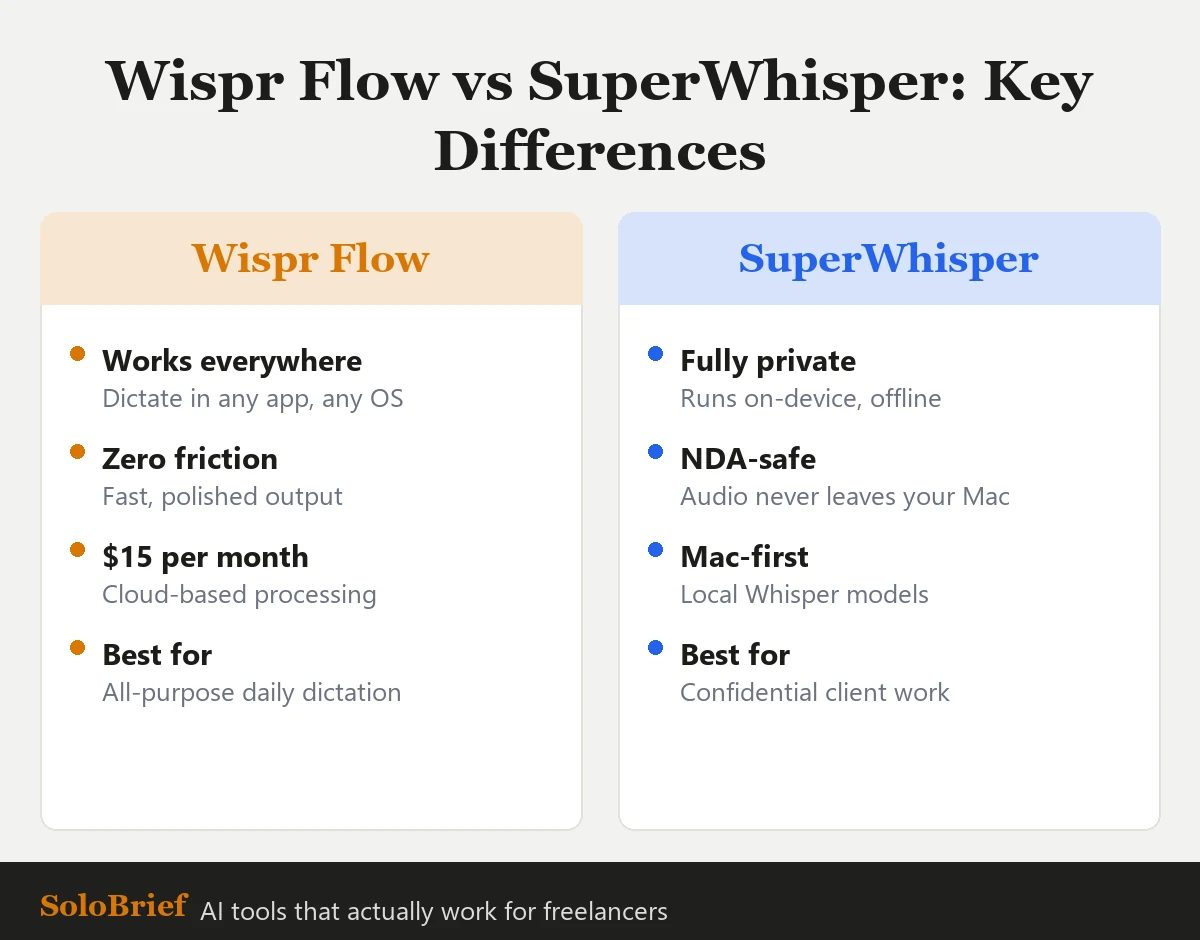 The short version: Wispr Flow for speed, SuperWhisper for privacy.
| Wispr Flow | SuperWhisper | |
|---|---|---|
| Price | $15/month | $12/month or $99 one-time |
| Accuracy (short-form) | Excellent | Very good |
| Accuracy (long-form) | Good | Excellent (Ultra mode) |
| Audio processing | Cloud (Wispr servers) | Local (on your machine) |
| Offline use | No | Yes |
| Setup time | 2 minutes | 15 minutes |
| Typing into any app | Yes, seamlessly | Yes, with slightly more friction |
| iPhone companion app | Yes | Yes |
| Platform | Mac, Windows, iPhone, Android | Mac, Windows, iOS |
| Free option | Free plan, $0/mo, no card required | Free tier (limited minutes) |
Pick Wispr Flow if: You want the fastest path from thought to typed text, you do not handle highly confidential work, and you want something that just works from day one.
Pick SuperWhisper if: Your freelance contracts include NDAs, you handle client financial or legal data, you prefer local audio processing for privacy, or you want a one-time purchase instead of a monthly subscription.
One objection is worth answering before you click anything, because it is the reason most freelancers close a page like this: neither of these is a tool you have to check. There is no inbox, no dashboard, no queue and nothing waiting for review on Friday. It is a keyboard shortcut that puts words where your cursor already is, and if you stop using it for a month nothing piles up. That makes it a different kind of purchase from the last five apps that promised to save you time and then asked for your attention every morning.
Try Wispr Flow free, no payment needed →
| Rating | 4.3/5 |
| Price | $15/month |
| Best for | Freelancers who want zero-friction daily dictation in every app |
| Skip if | Freelancers handling NDA or confidential client work |
| Try Wispr Flow free → | |
What Wispr Flow Does (And Why Freelancers Like It)
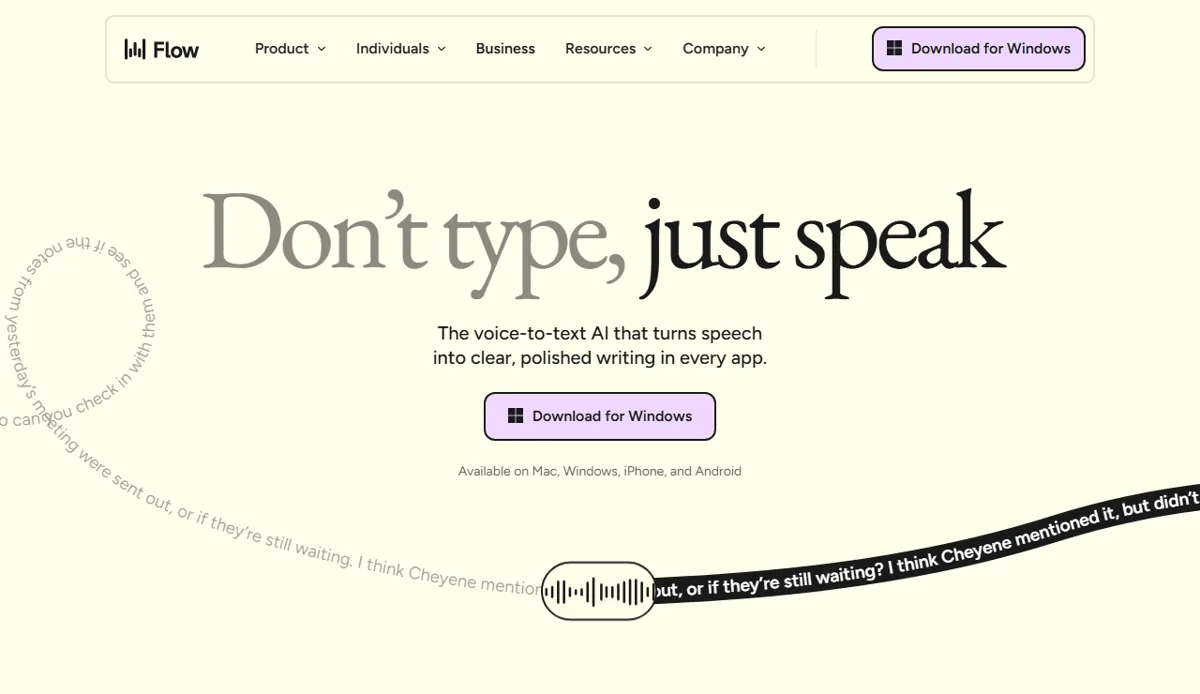 Wispr Flow’s pitch: dictate into any app. Public marketing page, June 2026.
Wispr Flow is an AI dictation layer that sits on top of every app on your machine. You activate it with a keyboard shortcut, speak, and it types directly into whatever field is active: Gmail, Notion, Slack, Google Docs, a client proposal in Pages, a Figma comment, or a browser text box.
That “types directly into any app” part is the real differentiator from older tools like Siri dictation or Google Voice. There is no paste step, no clipboard, no switching windows. You speak and the words appear exactly where your cursor is.
Wispr Flow also learns your writing style over time. After a few sessions, it adapts to your vocabulary, your common phrases, and your general tone. Reviewers consistently note that it handles technical jargon and industry-specific terms better than it did on first use.
The processing happens on Wispr’s cloud servers. Your audio is sent to their infrastructure, transcribed, and returned as text. For most freelancers, this is not a problem. For some, it is a deal-breaker (more on that in the privacy section).
Pricing: $15/month on the Pro plan. There is also a permanent Free plan at $0/mo that needs no credit card, so you can test it without committing. No one-time purchase option exists. Check the live pricing page for the current annual rate.
Platform: Mac, Windows, iPhone and Android.
What SuperWhisper Does (And How It Is Different)
SuperWhisper is built on OpenAI’s Whisper model, which runs locally on your machine. No audio leaves your device. You press a shortcut, speak, stop, and SuperWhisper transcribes and pastes the text.
The local processing is the defining feature. It means SuperWhisper works offline, it works with confidential audio, and it does not depend on Wispr’s servers being up or your internet connection being stable.
The trade-off is a bit more friction. SuperWhisper has two main transcription modes:
- Fast mode: Uses a smaller Whisper model, transcribes in near real-time. Accuracy is good for clear speech but drops noticeably on accents, technical vocabulary, or background noise.
- Ultra mode: Uses a larger, more accurate Whisper model. Transcription happens after you finish speaking, not live. There is a processing pause of two to five seconds. Accuracy rivals the best cloud tools.
For long-form work like drafting a client proposal or writing a project scope, Ultra mode produces cleaner results. For quick emails and messages, Fast mode is fine.
Pricing: $12/month, or $99 as a one-time purchase. The one-time option is the best deal if you plan to use it for nine or more months.
Platform: Mac, Windows and iOS.
SuperWhisper has a free tier that includes a limited number of transcription minutes per month: useful for testing whether it fits your workflow before paying.
Privacy: The Key Reason Freelancers Choose SuperWhisper
This section matters most if your client contracts include non-disclosure clauses.
When you dictate with Wispr Flow, audio is sent to Wispr’s cloud servers for processing. Wispr has a privacy policy, but the audio still leaves your device and travels to their infrastructure. For most professional communication, this is not meaningfully different from sending an email or using Google Docs.
But if you work in legal services, financial consulting, medical services, or any context where client confidentiality is governed by contract or regulation, sending audio to a third-party cloud server is not acceptable. NDAs typically prohibit disclosing confidential information to third parties, and “third party” can include a transcription service’s servers.
SuperWhisper processes everything locally. The audio never leaves your machine. From a data handling standpoint, it is closer to writing in a local text editor than to using a cloud tool. This makes it the only serious option for freelancers who handle genuinely sensitive material.
If your NDA freelance contract has language about third-party disclosure, check with your client before using any cloud-based transcription tool. If you cannot get clarity, use SuperWhisper.
Accuracy and Speed: Which Gets Your Words Right?
For short-form dictation, Wispr Flow has a slight accuracy edge. Its cloud model is tuned for conversational speech and handles filler word cleanup automatically. Reviewers consistently find that short emails, Slack messages, and social captions come out clean with minimal correction needed.
SuperWhisper Fast mode is close but not identical. Users on standard English report excellent accuracy. Users with regional accents or who use specialized vocabulary (medical, legal, technical) report slightly more errors in Fast mode.
SuperWhisper Ultra mode changes the calculation for longer content. For a 500-word project proposal or a long client email with detailed instructions, Ultra mode accuracy matches or exceeds Wispr Flow. The trade-off is the processing pause: you dictate a paragraph, pause, wait two to five seconds, and the text appears.
For freelancers who dictate long-form content regularly, Ultra mode is worth the pause. For those who mainly use dictation for quick responses and messages, the real-time nature of Wispr Flow is the better experience.
Price: Which Is Cheaper for a Freelancer Budget?
Wispr Flow is $15/month with no one-time option. Paid monthly for 12 months that is $180/year, and the annual plan is billed at a lower rate, so check the live pricing page before you budget. Wispr Flow also has a permanent Free plan at $0/mo if your dictation volume is light.
SuperWhisper is $12/month, or $99 one-time. The annual plan is $99. If you stick with it for seven or more months, the one-time purchase is cheaper than the monthly plan.
Over two years:
- Wispr Flow: $360
- SuperWhisper (one-time): $99
The ROI math is the same for both tools. If voice dictation saves you 20 minutes a day at a freelance rate of $50/hour, that is roughly $350/month in recovered time value ($16.67/day across 250 working days). Either tool pays for itself on day one.
For freelancers who are cost-sensitive and prefer to avoid recurring subscriptions: SuperWhisper’s one-time option is the clear winner on lifetime cost.
Ease of Use: Which Fits Into a Busy Freelance Day?
What We Liked
- Wispr Flow: install and dictate in under 15 minutes, zero configuration required
- Types directly into any active app field with no paste step
- Runs on Mac, Windows, iPhone and Android
- Cloud model learns your writing style and vocabulary over time
- Permanent free plan to test before committing
Worth Knowing
- Wispr Flow: audio sent to cloud servers, not suitable for NDA-covered work
- Monthly subscription at $15/month, no one-time purchase option
- Requires internet connection for all transcription
- SuperWhisper: 15-minute initial setup to select model and configure shortcuts
- SuperWhisper: Ultra mode has a 2-5 second processing pause after each segment
Wispr Flow wins on ease of use. Install, set a shortcut, dictate. There is nothing to configure. It works in every app from minute one. Most freelancers report they are using it productively within 15 minutes of installation.
SuperWhisper takes a bit more setup. You choose a model size (which determines the accuracy vs speed trade-off), configure your shortcuts, and decide whether to use Fast or Ultra mode by default. The initial setup takes around 15 minutes. After that, it is straightforward.
The friction difference between them is not large. But if you want to start saving time today and not spend any mental energy on configuration, Wispr Flow gets you there faster.
Use Cases: Which App Wins for Specific Freelance Tasks
Client email replies: Wispr Flow. It types instantly into Gmail or your email client with zero context-switching. Best for the 10 to 15 emails a typical freelancer sends per day.
Long project proposals: SuperWhisper Ultra. Better accuracy on longer pieces, and a client proposal is exactly the kind of document you do not want to send through a cloud server.
NDA-covered client work: SuperWhisper. No question. Local processing is the only option.
Quick social captions: Wispr Flow. Speed matters more than accuracy for a 50-word Instagram caption, and Wispr Flow’s real-time output is faster.
Confidential financial or legal documents: SuperWhisper. Same reason as NDA work.
Video script outlines: Either tool works. SuperWhisper Ultra produces slightly cleaner transcripts for longer dictation sessions.
Commute dictation (iPhone): Both have iOS apps. Wispr Flow’s iPhone app has more reviews and is slightly more polished. SuperWhisper’s iOS app is newer but functional.
Verdict: Which Should You Use?
The answer depends on one question: do you handle confidential client work?
If yes, use SuperWhisper. The local processing is not a nice-to-have; it is a professional requirement for freelancers operating under NDA. The one-time purchase option also means you are not adding another monthly subscription.
If no, use Wispr Flow. It is the smoother, faster experience for everyday dictation. The learning-your-style feature improves over time. For client emails, Slack messages, social content, and quick project notes, it is the more frictionless tool.
Both have free options to test before paying. SuperWhisper’s free tier gives you a real feel for the tool. Wispr Flow’s Free plan costs nothing and needs no card, so you can run it on your real workflow before deciding.
Frequently asked questions
Is Wispr Flow better than SuperWhisper for freelancers?
Does Wispr Flow send audio to the cloud?
Is SuperWhisper accurate enough for professional work?
Does either Wispr Flow or SuperWhisper work on Windows?
Is SuperWhisper's one-time purchase worth it?
If you’re interested in a deeper look at Wispr Flow on its own, the full review covers the privacy policy details and the exact freelance workflows where it saves the most time: Wispr Flow Review for Freelance Writers 2026.
For freelancers also evaluating scheduling and task AI tools, the Motion AI review for solopreneurs covers a different productivity angle.
MJ runs SoloBrief.co, a site covering AI tools for freelancers and one-person businesses. This article is based on published user reviews, official documentation, and verified pricing as of May 2026.